The Web Design Trends I Am Using in 2026 and the Ones I Am Ignoring
Web design trends come and go, but which ones bring results for businesses? Purposeful motion, confident typography, the trends worth ignoring, and an honest take on what to build with in 2026 so your site lasts.

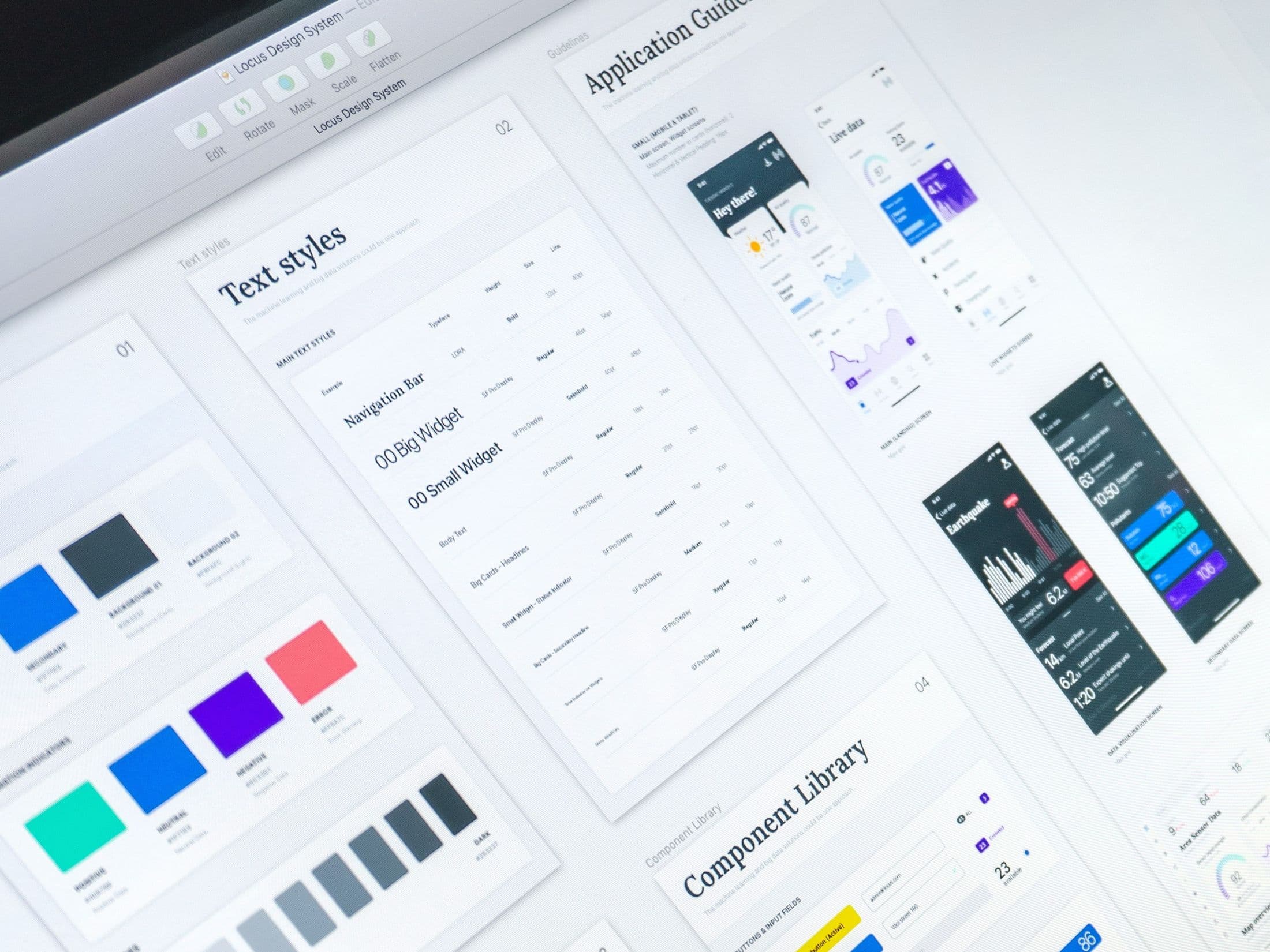
Key takeaways on the 2026 web design trends
- Worth building with in 2026: purposeful motion, typographic-led layouts, bento grids, dark mode chosen deliberately, and performance treated as a design decision.
- Worth leaving alone: AI-generated hero imagery, complex navigation patterns, and custom cursors. They impress other designers and cost real users.
- Every moving element should either guide attention or reward an interaction. If it does neither, take it out.
- How fast a site loads is a design decision, not a developer's problem. A beautiful site that loads slowly is a badly designed site.
- The most damaging trend is trend-chasing itself. A website built around the aesthetic of 2026 will feel dated by 2028, where one built around a brand's actual identity ages gracefully.
Every year the design industry publishes its list of trends. Bento grids. Glassmorphism. Brutalism. AI-generated everything. And every year, a wave of businesses end up with websites built around whatever looked impressive in January, only to feel dated by December.
Working across digital marketing and running Proxima, I see both sides of this. I see what agencies chase and I see what actually performs for real businesses. So here is my honest take on what I am genuinely building with in 2026 and what I am leaving behind.
The Trends I Am Using
Scrollytelling and purposeful motion
Animation for the sake of animation is one of the fastest ways to slow a site down and frustrate a visitor. But motion used with intention is a completely different thing. Subtle scroll-triggered animations that reveal content progressively, smooth transitions between sections and micro-interactions that respond to user behaviour all contribute to a site that feels considered and premium without getting in the way.
The key word is purposeful. Every moving element on a page should either guide the user's attention or reward an interaction. If it does neither, it should not be there.
Typographic-led design
Big, confident typography is having a moment and for good reason. As screens get sharper and fonts get better, type is doing more of the heavy lifting that used to require imagery. A well-chosen typeface at the right scale can carry an entire hero section, communicate a brand's personality instantly and load far faster than a full-bleed photograph.
I am using this on almost every project right now. It works particularly well for service businesses and professional brands where the message needs to land before anything else.
Bento grid layouts
The bento grid, a modular layout of cards and containers of varying sizes, has moved from a design trend into a genuinely useful pattern for presenting complex information cleanly. It works especially well for showcasing features, services or case studies in a way that is easy to scan and visually interesting without being chaotic.
Used well, it feels structured and premium. Used lazily, it becomes another template everyone recognises. The difference is in the detail.
Dark mode as a deliberate design choice
Dark mode is no longer just a user preference toggle. More and more studios are designing dark-first, treating it as a primary aesthetic rather than an afterthought. For the right brand, a dark palette communicates sophistication, focus and premium positioning in a way that light backgrounds simply cannot.
It is not right for every business, but when it fits the brand, it fits completely.
Performance as a design decision
This one does not show up on most trend lists because it is not visual. But in 2026, how fast a site loads is a design decision. Every image format chosen, every font loaded, every animation triggered has a performance consequence. The best designers I know think about Core Web Vitals at the same time as they think about colour palettes.
A beautiful site that loads slowly is a poorly designed site. That is just the reality now.
The Trends I Am Ignoring
AI-generated hero imagery
AI image generation has come a long way and I use it selectively as a tool in certain contexts. But as a primary visual style for a client's website, it still carries a sameness that is hard to shake. There is a particular aesthetic, slightly surreal, oddly lit, suspiciously perfect, that signals AI immediately to anyone paying attention.
For businesses trying to build trust and feel human, that is a risk not worth taking. Real photography, even modest and simple, almost always outperforms it.
Overly complex navigation
Mega menus, hidden hamburger icons on desktop, horizontal scrolling navigation. These patterns keep appearing in design showcases and keep frustrating actual users. Navigation should do one thing: help someone get to where they want to go as quickly as possible. The more creative it becomes, the worse it usually performs.
I have stopped experimenting here. Simple, clear, accessible navigation wins every time.
Cursor customisation
Custom cursors had a moment. They can look impressive in a portfolio preview and feel forgettable or actively irritating when you are actually trying to use a site. They add JavaScript weight, they can conflict with accessibility tools and they rarely contribute anything meaningful to the user experience.
I remove them from every template I start from. They are a detail that impresses designers and distracts everyone else.
Trend-chasing for its own sake
This is the big one. The most damaging trend in web design is the impulse to use whatever is popular right now because it is popular. A website built around the aesthetic of 2026 will feel dated in 2028. A website built around a brand's actual identity, values and audience will age far more gracefully.
The businesses I see getting the most from their websites are not the ones with the most impressive visual effects. They are the ones whose sites are clear, fast, well-structured and genuinely built around what their customer needs to see.
That is what I try to build every time.
Trends are useful as a signal of where the industry is heading, but they are a poor brief on their own. The best question to ask before adopting anything is not "is this modern?" but "does this serve the person using this site?"
If the answer is yes, use it. If not, leave it for someone else's portfolio.
If you want a website built around what works rather than what is trending, I would love to talk. Book a free consultation.
Until we meet again